
Instagram post scraping: how to study what works in your market
Instagram post scraping done responsibly: pick a clear sample, collect public posts with their links, keep unknowns empty and compare like with like.
Free app. Runs on your Mac with the Claude or Codex plan you already have.
What Instagram post scraping is
Instagram post scraping is the work of collecting public posts into a table, one row per post: account, caption, likes, comments, date and link. Marketers use it to see which formats and subjects get attention in their niche, and which accounts post them. Done well, it is a small sample you understand. Done badly, it is a large file of numbers that cannot be compared.
The method below is how a social media analyst does it by hand. Each step says what to do and why, then how 10folds carries it out and where its limits are.
What it does for the business
- Make content from evidenceSeeing which posts in your niche drew the most comments shows the subjects and formats your audience responds to, so the next month of posts starts from what has worked for others.
- Learn from competitors without copying themA table of a competitor's recent posts shows what they talk about and how often. You can find the subjects they cover well and the ones they leave open.
- Find accounts worth working withPosts that perform well under a niche hashtag point to the creators your customers already follow, which is a starting list for partnerships.
- Brief designers and writers clearlyLinking to real posts with their numbers gives a brief that people can look at, which saves rounds of revision.
Instagram post scraping, step by step
Write the question and the sample
A sample you can describe in one sentence is a sample you can trust.
What to do
- State the question, for example which bathroom design posts drew the most comments last month.
- Choose the seeds: specific accounts, specific posts or a hashtag.
- Fix a period and a cap on the number of posts.
- Decide what you will compare, and what you will leave out.
Why
Instagram shows each viewer a different selection of posts, so no scrape is complete, whichever Instagram scraper you use. Fixing the seeds, the period and the cap makes the sample repeatable and keeps a test from turning into a large collection of data nobody needs. It also lets you run the same collection next month and compare the two results honestly, because both describe the same slice of the platform.
Choose a route that respects the platform
If you need to log in to see it, it is not yours to scrape.
What to do
- For your own account, use Instagram's own insights or the Instagram Graph API.
- For other accounts, read Instagram's terms of service and robots.txt before collecting anything.
- Collect public data only. Leave private accounts alone.
- Respect rate limits: go slowly and stop at a sign-in page or a challenge.
Why
Instagram's terms restrict automated collection, and the platform blocks traffic that looks automated. Requests sent too fast also put load on a service that did not agree to serve you. Logging in with a real or bought account to get around that breaks the rules and risks the account. Public posts by businesses and creators are the lowest-risk material, and even they contain personal data.
Collect post records with their links
A metric without its post link is a rumor.
What to do
- Record the account, the caption, the date, the likes and comments shown, and the post link.
- Use the post's stable code or ID as its identifier.
- Note where a figure is hidden, such as likes turned off by the account.
- Leave out commenters' names and anything about private people, under GDPR and similar laws.
Why
Each post's link lets anyone check a figure later. Comments and commenter names are personal data, and for content research you rarely need them. Some accounts hide like counts, and recording that as zero would rank a popular post at the bottom.
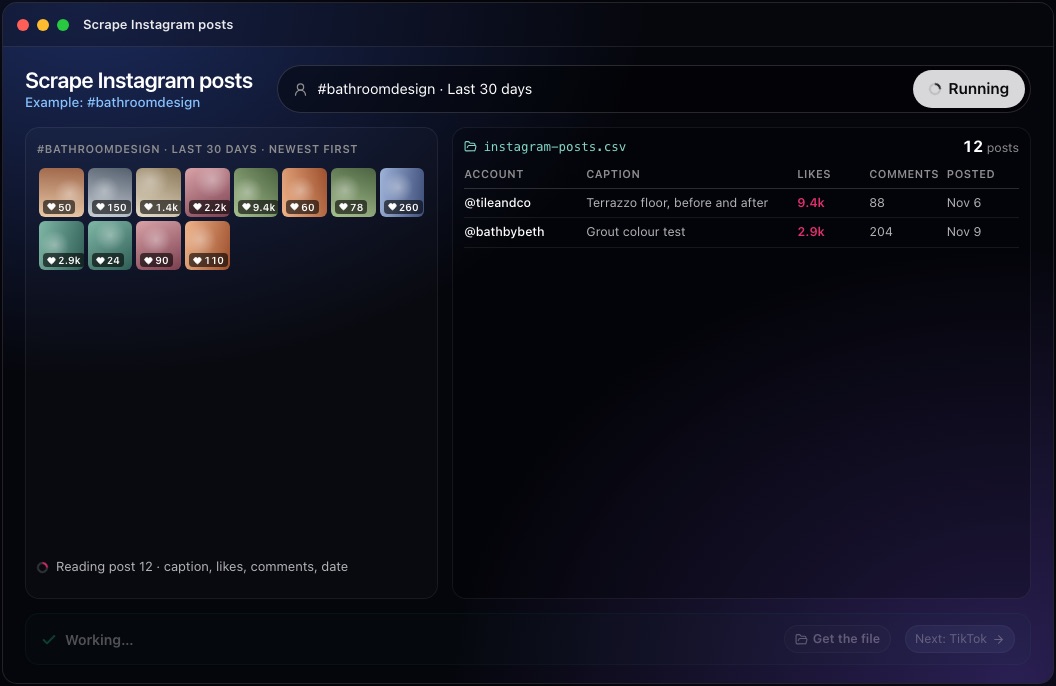
This step in the 10folds window. Example data from the animation on the home page. Check the records and the gaps
A blocked page means you do not know, and that is all it means.
What to do
- Open several rows and compare them with the live post.
- Remove duplicates by post ID.
- Keep unknown values empty, and keep zeros only where the page shows zero.
- Write down which pages failed and why: sign-in page, challenge or unsupported format.
Why
Scrapers fail quietly. A sign-in wall can look like an account with no posts, and a changed page format can turn every count into zero. Checking a few rows by hand catches both before anyone draws conclusions. The list of failed pages matters as much as the rows, because it tells the reader which part of the sample is missing and whether a second attempt with saved pages is worth it.
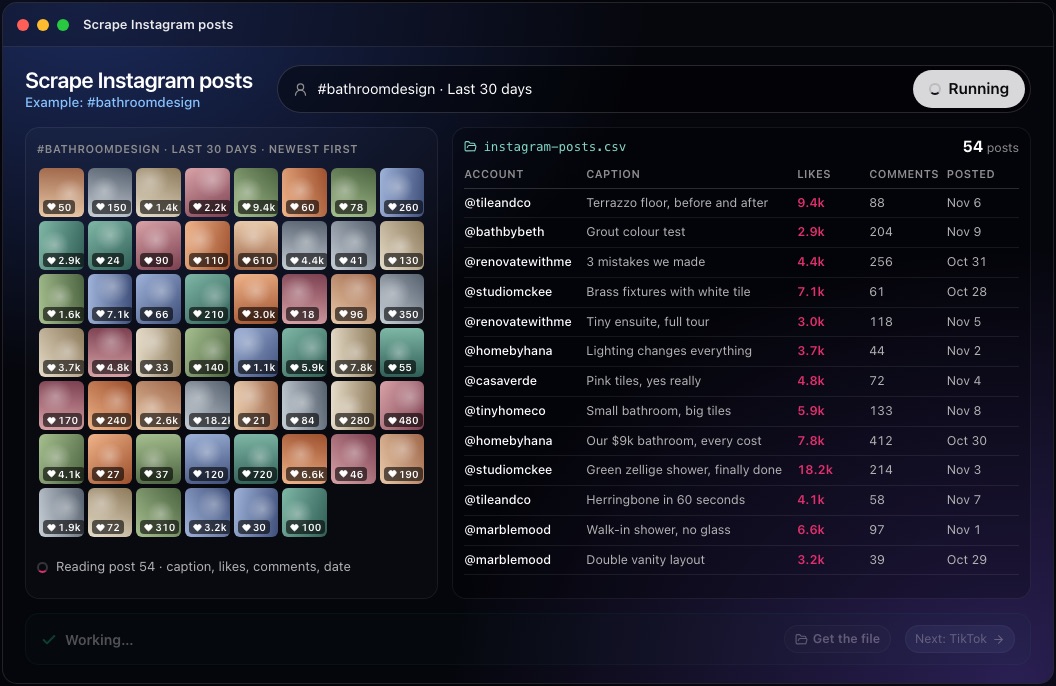
This step in the 10folds window. Example data from the animation on the home page. Read the results fairly
Compare posts with posts like them.
What to do
- Compare engagement within similar accounts. A large account's average post beats a small account's best one.
- If you work out an engagement rate, divide by followers and say so.
- Never add likes to comments or views as if they were one measure.
- Look for patterns across several posts: format, subject, hook, time of posting.
- Write each finding as something to test on your own account, with the posts that support it.
Why
Raw like counts mostly measure account size. Engagement rate, the interactions on a post divided by the account's followers, makes accounts comparable, as long as the inputs are stated. One viral post is an anecdote; the same pattern across ten posts is a lead worth testing. Paid promotion also inflates some posts, and a scrape cannot tell you which ones were boosted, so treat outliers with care.
Common mistakes
- Treating likes as reach or salesThey are what the page showed, nothing more.
- Ranking accounts of very different sizes togetherCompare engagement rates, or compare within a size band.
- Recording hidden counts as zeroUnknown and zero lead to opposite conclusions.
- Logging in to scrape moreIt breaks the platform's rules and can cost you the account.
- Collecting commenters' personal dataContent research rarely needs it, and privacy law applies to it.
What a good result looks like
- A one-sentence description of the sample: seeds, period, cap.
- One row per post, with its link, date and the figures shown.
- Empty cells where a figure was hidden or missing.
- A list of pages that could not be read, with the reason.
- Two or three patterns, each backed by several posts.
And then what? Using the result
- Turn the strongest pattern into three post ideas for your own account.
- Shortlist the accounts behind the best posts for partnership outreach.
- Share the table with your designer as a visual brief.
- Run the same seeds again next month and compare.
When to run it
- Planning next month's contentA table of recent posts in your niche shows the subjects and formats worth testing.
- Reviewing a competitor's social activityTheir recent posts show what they promote and how their audience reacts.
- Looking for creators to work withPosts that stand out under a niche hashtag lead to accounts your buyers already follow.
- Checking how a launch or campaign landedPosts that mention it, compared with the same accounts' usual figures, show whether the audience reacted more than normal, and in which formats.
Questions people ask
Is it legal to scrape Instagram?
It depends on your country, what you collect and how you use it. Instagram's terms restrict automated collection, and posts can contain personal data covered by laws such as GDPR. Stick to public posts, collect the minimum, and get advice for commercial use at scale.
Can you scrape Instagram without logging in?
Partly. Some public post and profile pages can be read without an account, but Instagram often shows a sign-in wall instead. The 10folds job does not log in; a page behind a sign-in wall is reported as a gap, and you can supply a saved copy of the public page.
How do you scrape Instagram posts by hashtag?
Hosted scraper services read hashtag pages, usually by acting as a logged-in or browser user. The 10folds job works differently: it reads the public post, reel or profile URLs you supply and does not search a hashtag by itself.
What data can you get from an Instagram post?
Usually the account, caption, date, post type, and the like and comment counts when the account shows them. Reach, saves and shares are private to the account owner and are never visible to a scraper.
How many posts does the Instagram post scraping job collect?
Up to 25 source URLs and at most 100 records per run, 25 by default. Figures in the example screens on this site are illustrative.
Does it post or comment on my behalf?
No. It reads public pages and writes files in your project folder. It does not publish, comment or contact anyone.
More jobs in Scraping
Scrape Instagram posts, on your own Mac.Free app. Runs on your Mac with the Claude or Codex plan you already have. Your files stay on your computer.
Download for Mac